TRAINING CENTERS OFFERING CCNA BOOTCAMP TYPE OF TRAINING:
The following training centers offer CCNA bootcamp-style training programs in the Philippines with varying levels of hands-on lab exercises, instructors, and course formats.
1. Mnet Solutions, Inc.
LOCATION: 4th Flr., MDM Bldg. 803 JP Rizal Concepcion Uno, Marikina City
Mnet Solutions is located along JP Rizal Street in Marikina City, Metro Manila. The training center is situated in a building along the main road and is easily accessible for students coming from Cubao and other nearby cities. If you are commuting via LRT-2, you can reach the training location from LRT-2 Marikina Station with a single jeepney ride, making it convenient for students from different parts of Metro Manila.
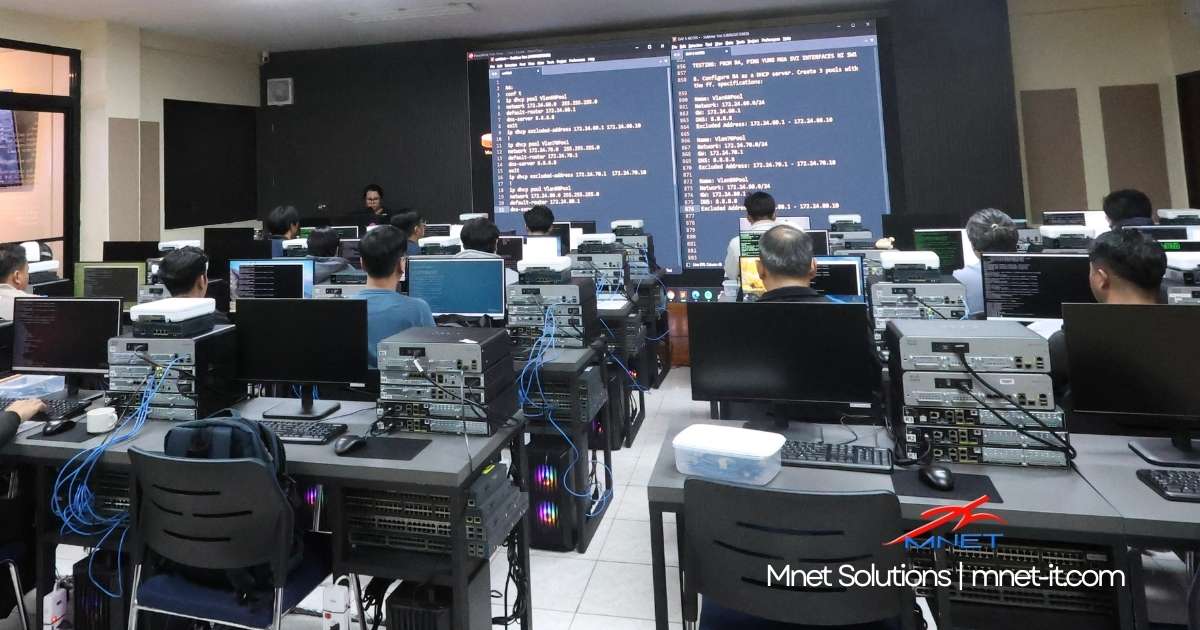
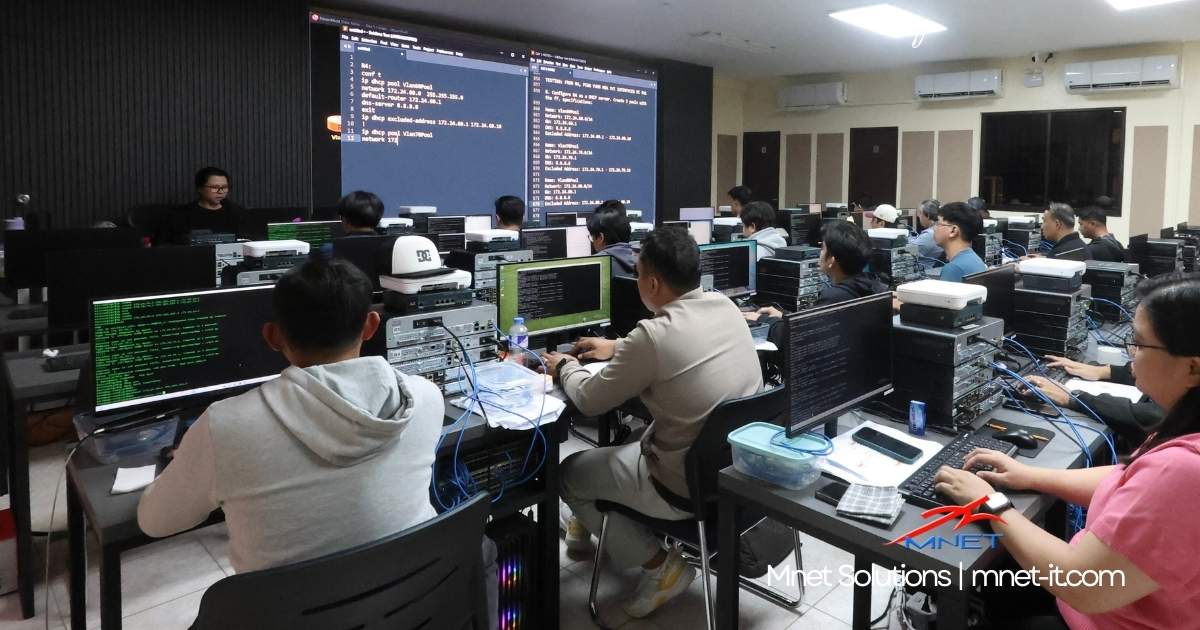
Based on photos from Mnet’s training sessions, the classroom appears spacious and comfortable, creating an environment conducive to learning. Each student has a workstation with routers and switches placed directly on the table, allowing them to follow the instructor’s demonstrations while performing the configurations themselves. The setup allows students to work directly with real devices throughout the training.
COURSE FEE: ₱25,000
Mnet Solutions offers two options for their CCNA training.
Option 1 – ₱25,000
This includes 6 days of intensive CCNA training, meals during the training (breakfast, lunch, and snacks), and a dedicated device pod per student consisting of 5 routers and 4 switches for hands-on lab exercises.
Option 2 – CCNA Training + Online Course Access
This option includes everything in Option 1, plus 1 year access to Mnet’s CCNA online course.
This option may be helpful for beginners who want to continue practicing after the onsite training. Students can review lectures, perform additional lab exercises, and reinforce networking concepts at their own pace.
Mnet also offers early bird and group discounts, so it may be worth contacting them directly for the latest promotions if you’re planning to enroll.
REAL DEVICES? Yes.
This is what Mnet provides per student:
- 5 Routers
- 4 Switches (2 Layer 3, 2 Layer 2)
- 1 Wireless LAN Controller
- 1 Access Point
Out of the CCNA training centers included in this list, Mnet appears to provide one of the highest numbers of networking devices available for hands-on practice per student. This can make a noticeable difference during labs because students are able to configure and troubleshoot the devices themselves rather than waiting for shared access.
For learners who prefer a more practical, hands-on approach, having more routers and switches available can help reinforce the concepts discussed during lectures. It also allows students to experiment, make mistakes, and repeat configurations until they become comfortable with real networking equipment.
IN-HOUSE INSTRUCTOR? Yes
Another factor some students consider when choosing a training center is who will be teaching the class.
At Mnet, the CCNA classes are handled by their resident instructor, Ms. Elena Mofar. Having an in-house instructor means the classes are conducted consistently by the same trainer rather than rotating external instructors. This can help provide a more structured learning experience, since the instructor is closely involved in developing the course materials and lab exercises.
Students may also benefit from having direct access to someone who understands the common challenges beginners face when learning networking concepts for the first time.
STUDENT REVIEWS: Yes
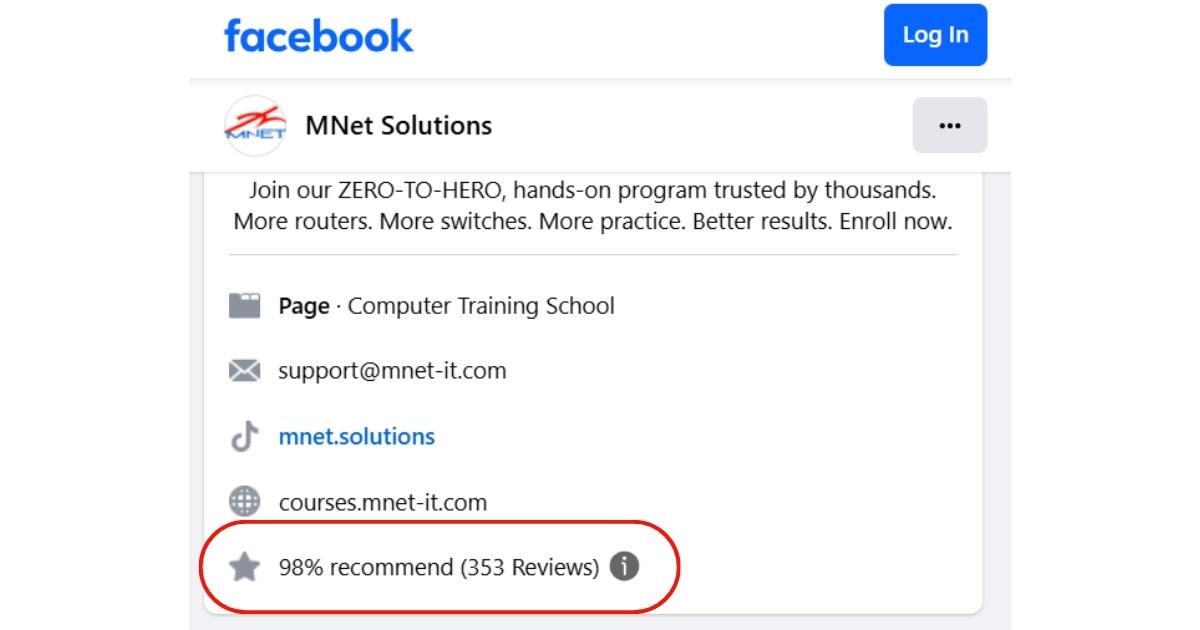
You can view their reviews here: https://www.facebook.com/mnetsolutions/reviews
Useful Links:
Mnet Solutions Website:
Mnet Solutions Facebook Page: https://www.facebook.com/mnetsolutions
2. Ironlink
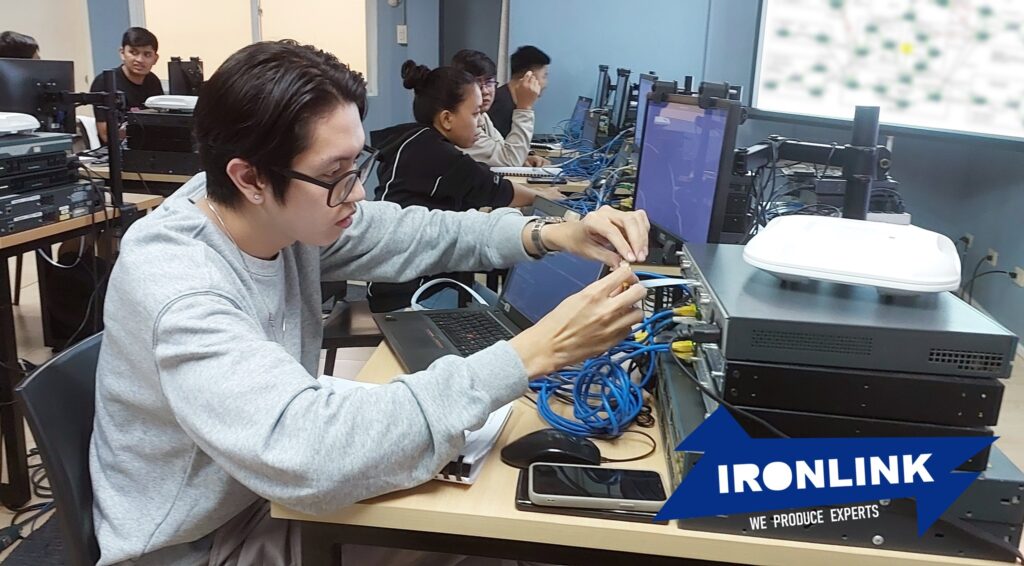
**Image taken from Ironlink Facebook page**
LOCATION: 2nd Flr. Unit 2B Newton Plaza 4408 Old Sta. Mesa Street. Sta Mesa, Manila
I haven’t personally visited their office yet, but based on photos from their Facebook page, the training room looks clean and organized. The tables appear spacious enough for students to have both their notebooks and equipment in front of them while working on lab exercises. It’s also nice that the networking equipment is placed directly on the students’ tables, which can make the lab sessions feel more engaging and hands-on.
COURSE FEE: 27,000
This is their published course fee at the time of writing.
REAL DEVICES? Yes.
Based on photos from their fanpage, this is what they provide per student:
- 3 routers
- 2 switches
- 1 workstation
- 1 access point
Depending on the lab exercises used during the training, some networking scenarios – such as more complex routing topologies – may require additional routers to demonstrate certain configurations and troubleshooting situations. According to their materials, they also emphasize using real devices rather than relying on simulators.
STUDENT REVIEWS? Yes
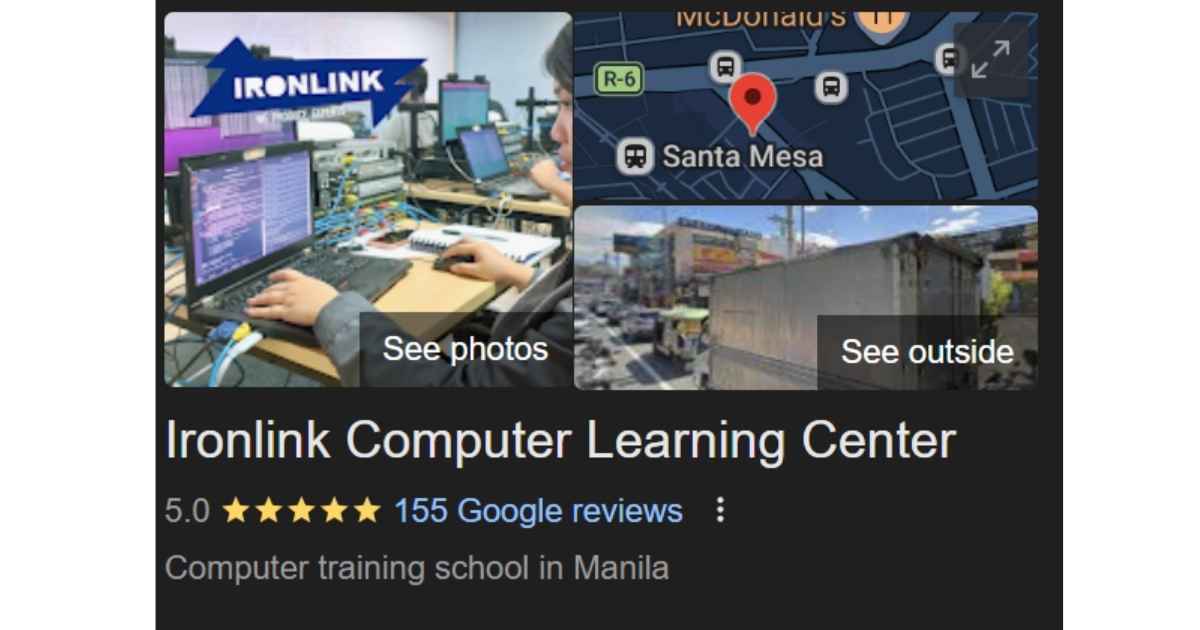
Google reviews can provide useful feedback from previous students, although—like with any online review platform—it’s always a good idea for prospective students to read multiple reviews and do their own research before deciding on a training center.
Useful Links:
Ironlink Website: http://www.ironlink.asia
Ironlink Fanpage: https://www.facebook.com/ironlinkcom/
3. NexusCloud IT Solutions
LOCATION: Unit 1414 AIC Burgundy Empire Tower, ADB Avenue Garnet & Sapphire St. Ortigas Center, Pasig
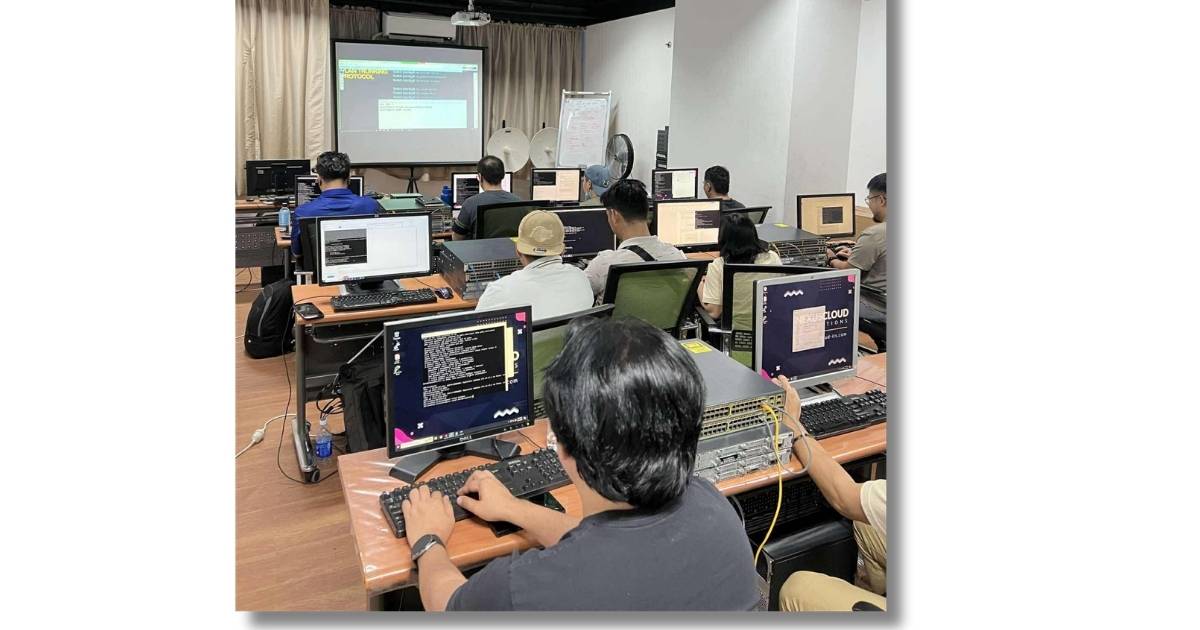
Based on photos from their Facebook page, the training room looks well organized and the environment appears conducive to learning. The setup places the networking equipment directly on the students’ tables, allowing them to work on the devices during lab exercises. The table space looks a bit more compact compared to some other training centers, but it still seems sufficient for both the equipment and the student’s workstation.
COURSE FEE: 25,000
Based on their Facebook page, they occasionally offer promotions or discounted rates for their training programs, so it may be worth checking their page or contacting them directly if you are planning to enroll.
REAL DEVICES? Yes
From the student setup shown in their photos, each student appears to have access to:
- 2 Routers
- 2 Switches
In addition to the standard CCNA topics, their Facebook page also mentions that their training may include exposure to other technologies such as VoIP and fiber optic crimping. If you are interested in the full scope of what is included in their program, it may be best to contact them directly for the complete course outline.
IN-HOUSE INSTRUCTOR? Not entirely clear.
From browsing their Facebook page, there appears to be an instructor who regularly conducts their CCNA bootcamps. However, it’s not immediately clear whether the training is always handled by the same instructor or if different trainers are involved.
If you have previously attended training at NexusCloud IT Solutions, feel free to share your experience or feedback so this section can be updated with more detailed information for future readers.

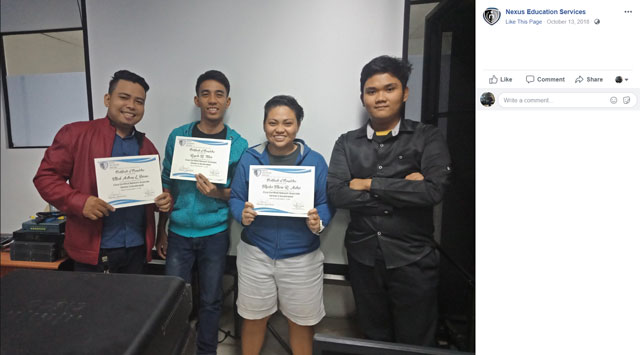
** Image taken from Nexus Fanpage **
STUDENT REVIEWS: Yes.
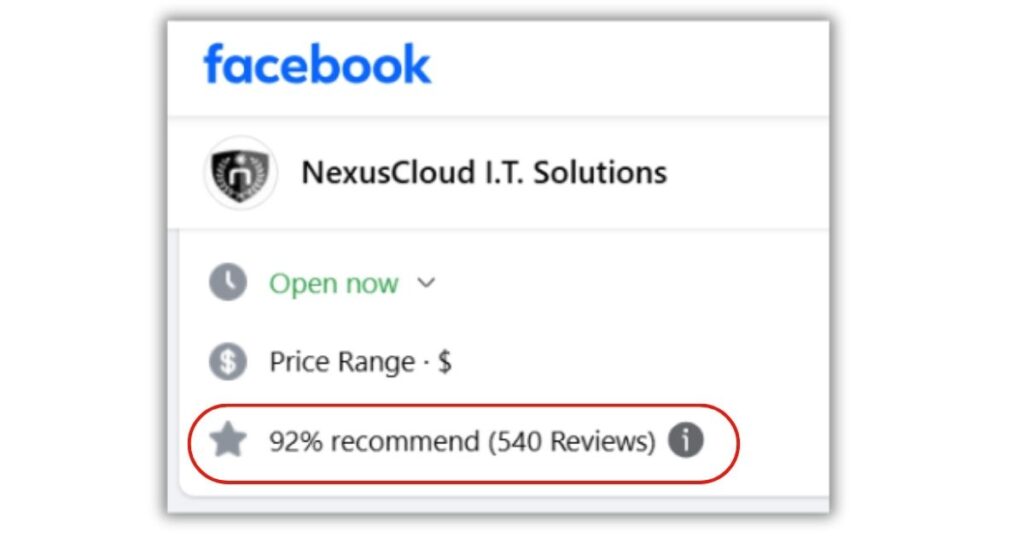
You can view Nexus Facebook Reviews here
NexusCloud IT Solutions offers several IT courses in addition to CCNA, so if you are specifically interested in CCNA training feedback, it may help to browse through the reviews and look for comments related to their networking courses.
As with any training center, it can also be helpful to check community forums, social media groups, or networking communities where former students might share their experiences.
Useful Links:
Nexus InfoTech fanpage: https://www.facebook.com/nxs88
4. RivanCyber Training Institute Inc.
LOCATION: Rivan Building, 18d Mola, La Paz, Makati City, 1200 Metro Manila
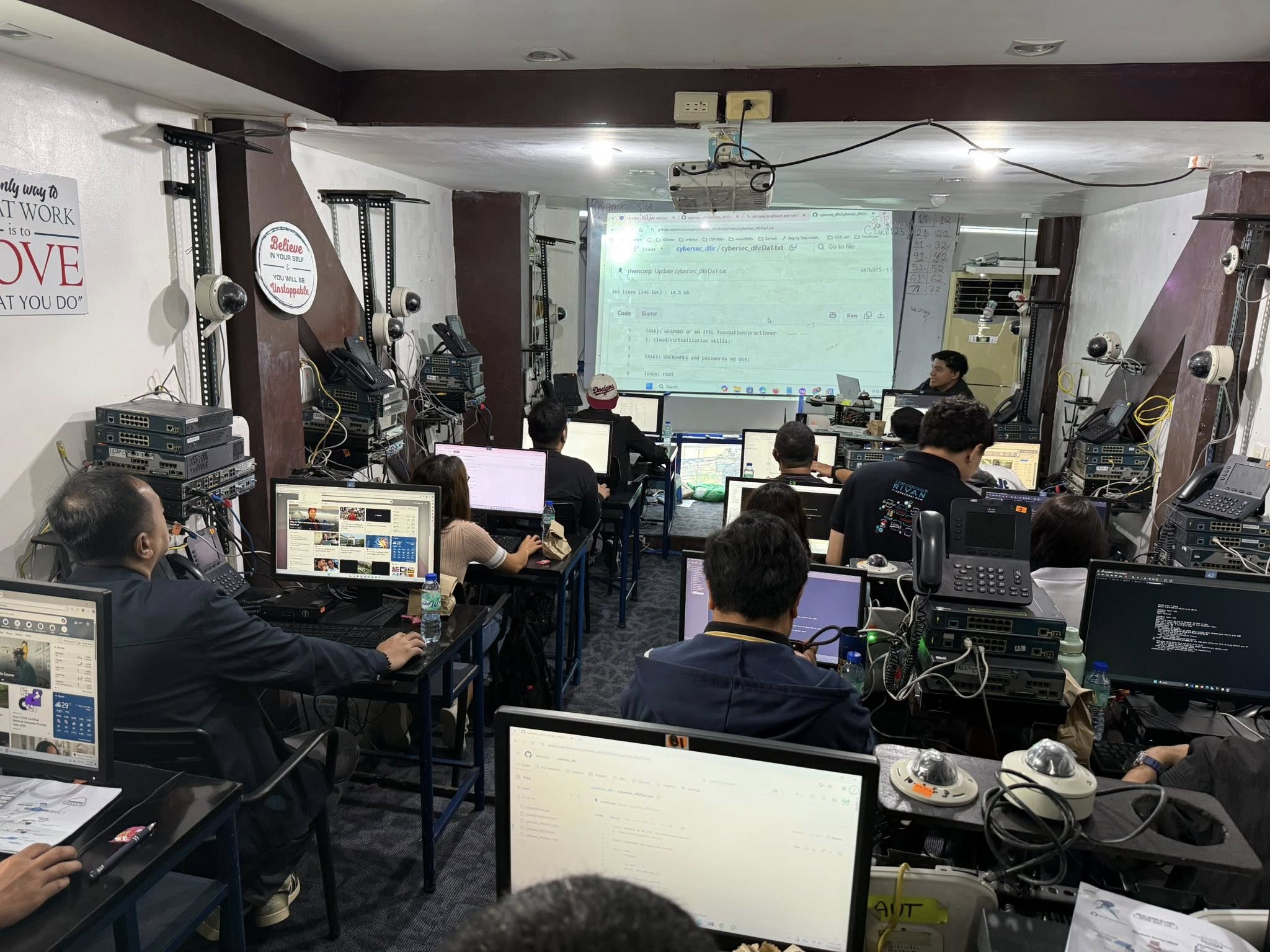
The training room is comfortable and well air-conditioned — in fact, it can get quite chilly, so bringing a light jacket might be a good idea if you plan to attend training there. The classroom appears to contain a large number of networking devices used during lab exercises, which suggests a strong focus on hands-on training.
In terms of workspace, the tables can feel a bit compact since the networking devices share the same area as the student’s manuals, notebooks, and workstation. However, the setup still allows students to interact directly with the equipment during lab exercises.
COURSE FEE: 25,000
They offer different discounts, so you need to check with them with their present promotions for additional discounts.
REAL DEVICES? Yes.
Based on the classroom setup shown on their Facebook page, each student appears to have access to:
- 3 Routers
- 2 Switches
- 1 VoIP Phone
IN-HOUSE INSTRUCTOR? Not sure.
In the past, the main instructor at Rivan was Robert Victor, the owner of the training center. He was known for conducting many of the CCNA bootcamp sessions himself and was recognized by former students for his engaging teaching style.
Over the years, Rivan has also worked with other instructors who assisted in conducting some of the training sessions. If you’re planning to enroll, it may be helpful to ask who will be handling the upcoming classes so you can have a clearer idea of the instructor assigned to your batch.
STUDENT REVIEWS? Yes.
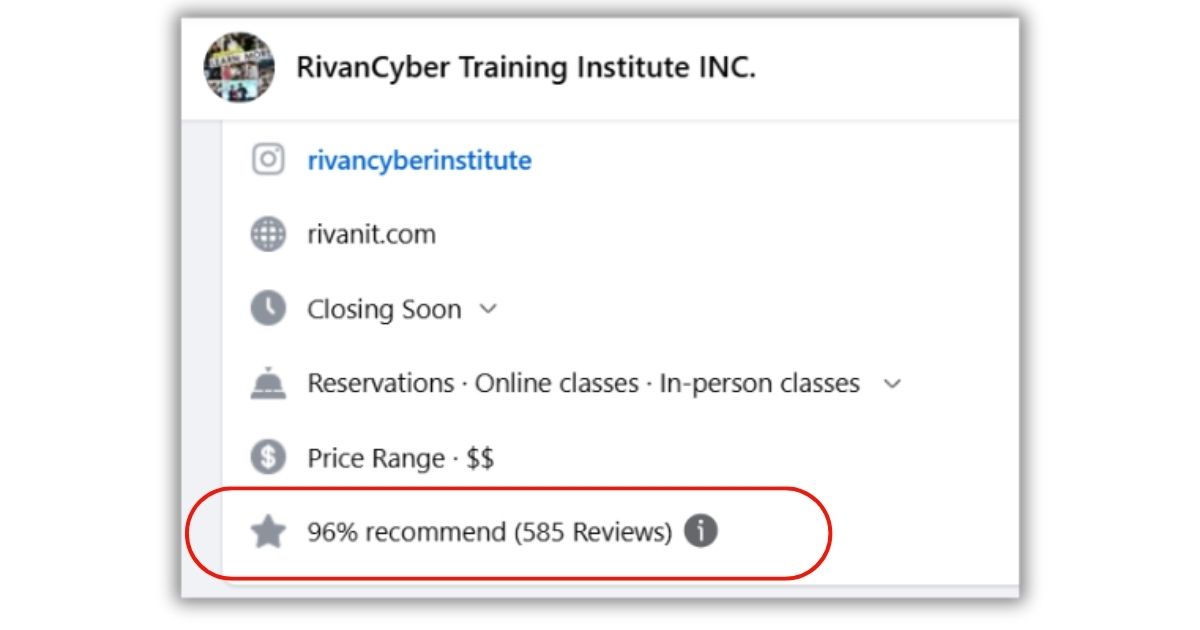
You can view Rivan’s Facebook Reviews here: https://www.facebook.com/RivanInstitute/reviews
Rivan has accumulated many positive reviews from previous students. They offer several IT courses aside from CCNA, although CCNA training appears to be one of their more popular programs. If you are researching feedback specifically related to CCNA training, it may help to browse through the reviews and look for comments from students who attended their networking classes.
Useful Links:
RIVAN Website: www.rivanit.com
RIVAN Fanpage: https://www.facebook.com/RivanInstitute
5. TOP ECE Review Center
LOCATION: 6F España Place Bldg 1139 Adelina St Sampaloc, Manila
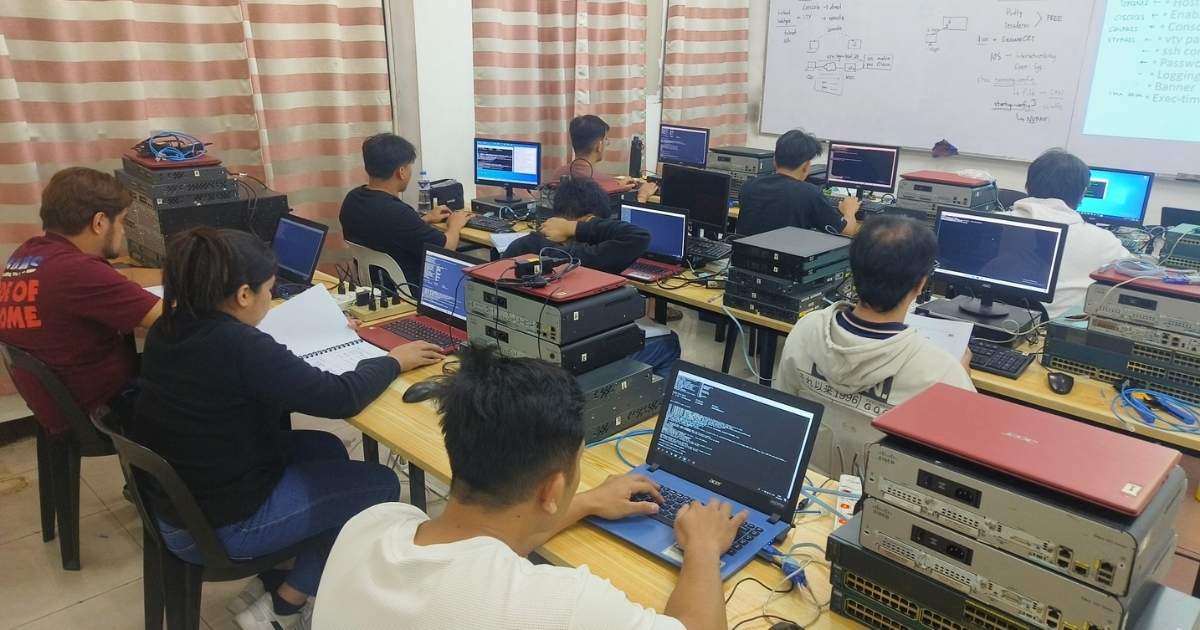
Based on images from their fanpage, the classroom appears to have a comfortable and practical setup for training sessions. The tables look spacious enough to accommodate a laptop, networking equipment, and manuals at the same time, which can be helpful during lab exercises. The chairs look fairly simple, though, so for longer training sessions – especially those that run for several hours – some students might prefer bringing a small cushion or something similar for added comfort.
COURSE FEE: 21,600
This appears to be their regular course fee at the time of writing. However, they occasionally offer discounts or promotional rates for their CCNA classes, so it may be worth checking with them directly if you’re planning to enroll.
REAL DEVICES? Yes.
Based on their classroom setup, it appears that each student has access to the following devices:
- 2 Routers
- 2 Switches
This setup should be sufficient for basic point-to-point configurations and switching exercises commonly covered in CCNA training. However, some networking scenarios especially those involving more complex routing topologies – may require additional routers to fully demonstrate certain configurations and troubleshooting situations.
IN-HOUSE INSTRUCTOR? Yes.
Based on posts from their fanpage, it appears that the CCNA classes are consistently handled by the same instructor. From the photos and updates, it also seems possible that the instructor may be the owner of the training center.
Having the same instructor conduct most classes can be beneficial because it usually means the trainer has extensive experience teaching the course repeatedly and has refined how the material and lab exercises are presented. Students may also benefit from a more consistent teaching style throughout the program.
While I don’t personally know the instructor, the posts on their page suggest someone who is actively involved in the training and engaged with the students during the sessions.
Student Reviews? None.
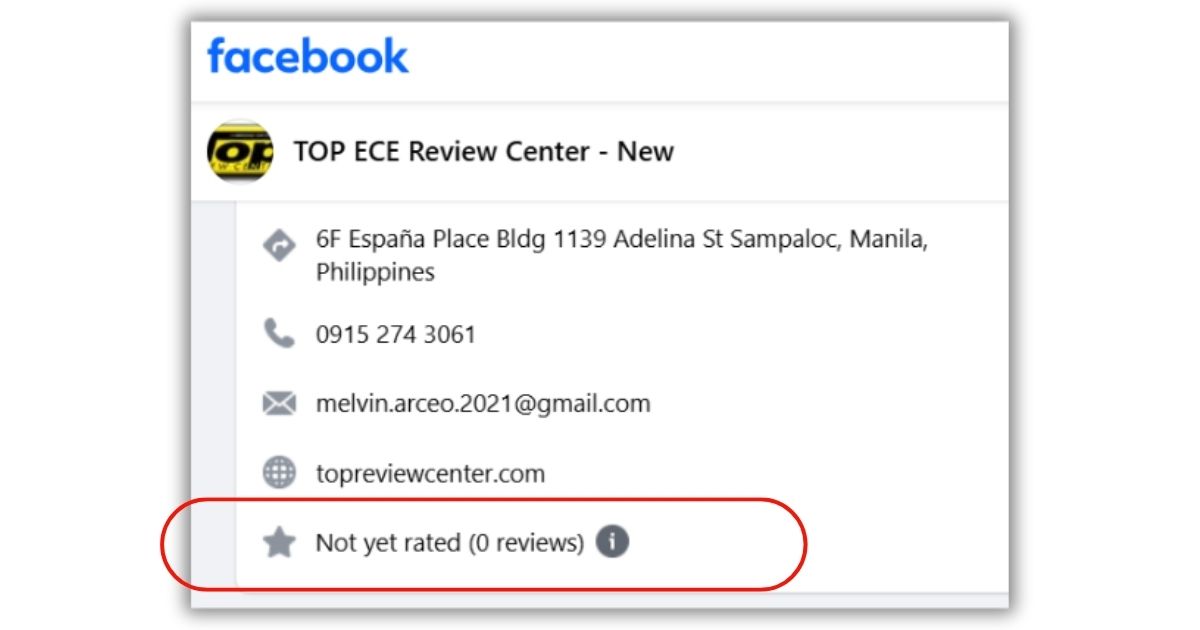
Based on their Facebook page, the reviews feature currently shows no ratings yet. This could simply mean the page is relatively new or that previous students have not yet left feedback on the platform.
If you are considering enrolling, it may be helpful to ask the training center directly for testimonials from former students or look for feedback in online forums and networking communities.
Useful Links:
TOP ECE website: https://topreviewcenter.com/
TOP ECE fanpage: https://www.facebook.com/topecereviewcenter
6. Converge Training
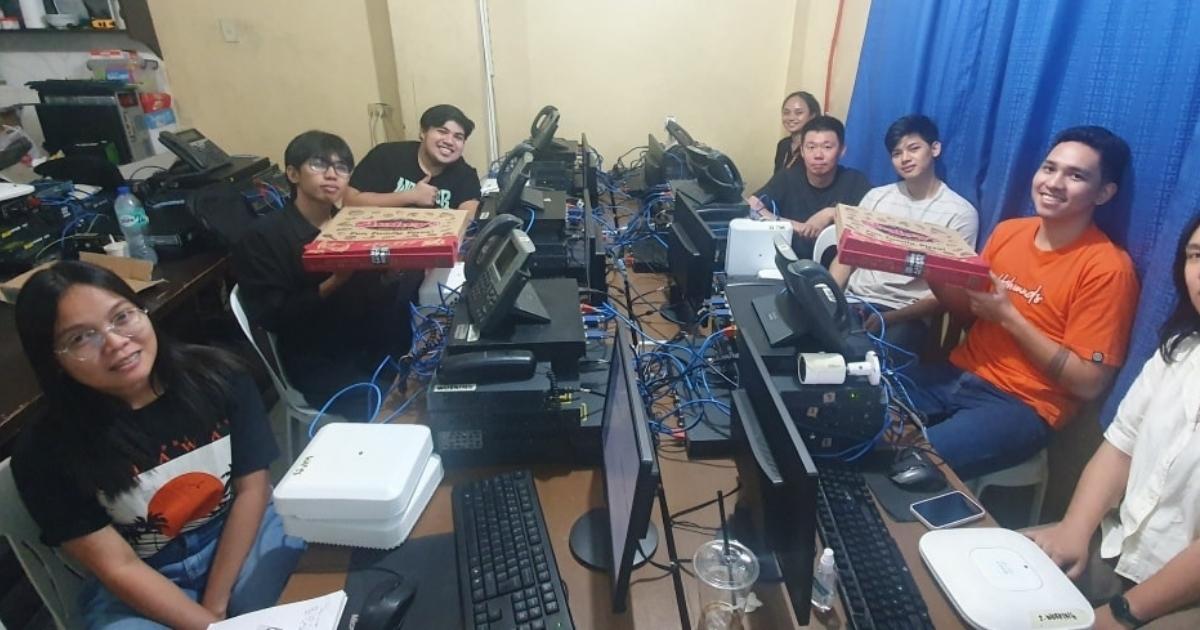
**Image taken from Converge Fanpage**
Location : 10B Kalantiao, Brgy Calumpang, Marikina City
Based on this photo from their fanpage, the classroom appears to have a compact layout, with networking equipment and workstations placed close to each other. Because of the amount of equipment in the room, the available space for each student looks somewhat limited. The seating arrangement also appears to be oriented slightly sideways relative to the instructor’s display screen, which may require students to turn their heads during lectures. The setup seems focused on maximizing the use of available space while keeping the networking devices within reach during lab exercises.
COURSE FEE: 20,000
This appears to be their updated course fee at the time of writing. They also offer a training + exam package worth ₱33,000 for students who prefer to take the certification exam together with the training.
REAL DEVICES: Yes
Based on photos from their fanpage, it appears that each student is provided with:
- 2 routers
- 2 switches
- 1 VoIP phone
These devices are used during the training labs so students can practice configuring networking equipment during the course.
Depending on the lab exercises used during the training, some networking scenarios may require additional routers to demonstrate more complex routing topologies.
IN-HOUSE INSTRUCTOR? Yes
CCNA classes at Converge appear to be handled by Engr. Mark Anthony Melendres, who also seems to be the owner of the training center.
Having the same instructor conduct most of the classes can provide consistency in how the training is delivered across different batches.
STUDENT REVIEWS: Yes
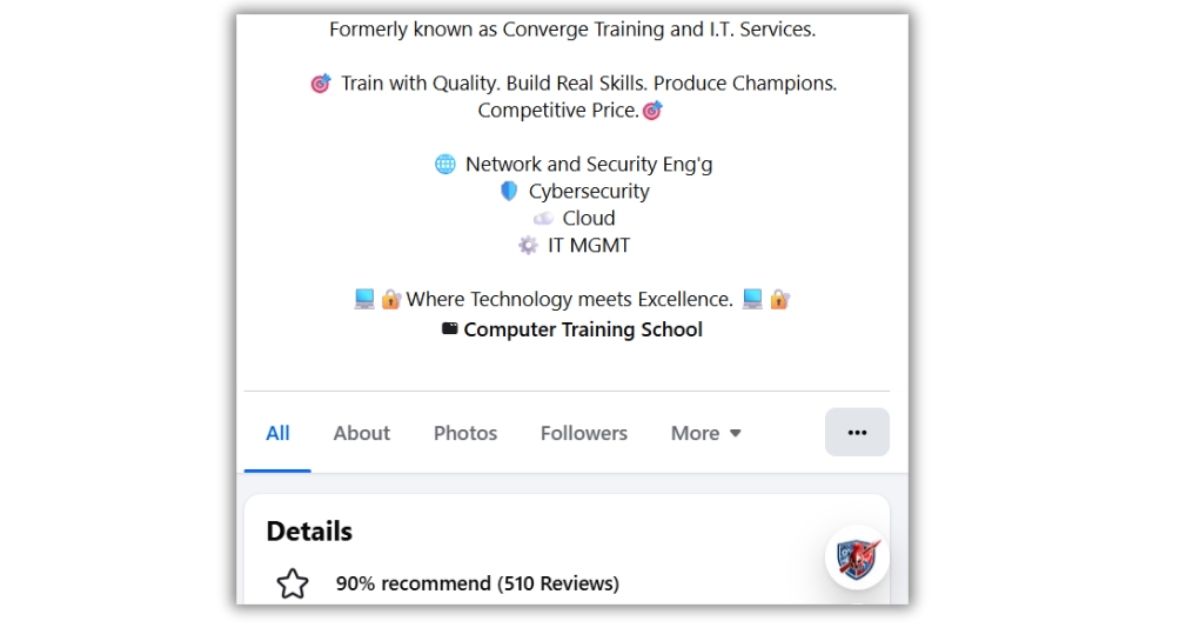
You can view their Reviews here:
Useful Links:
Converge Fanpage: https://www.facebook.com/MATEKKCybercore
TRAINING CENTERS OFFERING CCNA PER MODULE TRAINING
1. Experts Academy
Locations:
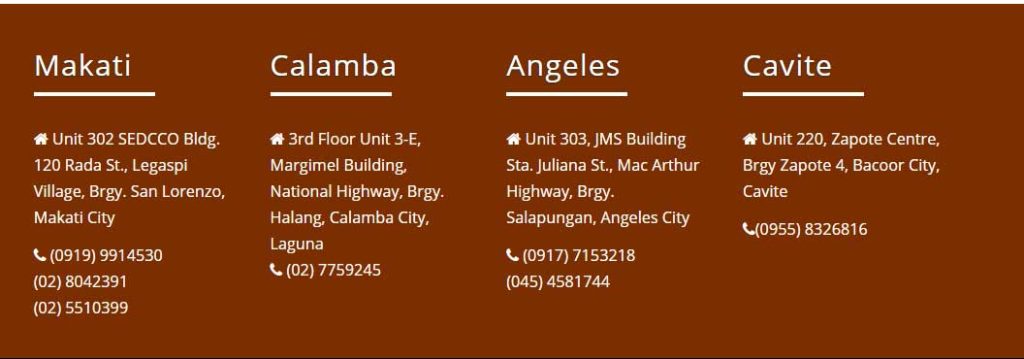
They have multiple locations – Makati, Calamba, Angeles and Cavite
COURSE FEE: Not specified.
I was not able to find the exact course fee for their Cisco module training. However, based on typical industry pricing, it may range around ₱9,000 – ₱12,000 per module. It would be best to contact them directly to confirm the exact course fee.
Useful Links:
Experts Academy website: http://expertsacad.com/
Experts Academy fanpage: https://www.facebook.com/ExpertsAcad
2. Meralco Foundation Institute (MFI)
Location:
They have multiple locations – they have one in Pasig, Pasay, and De La Salle Araneta
Main Campus: MFI Buidling, F. Ortigas Jr. Road, Pasig City, Metro Manila
Course Fee: 9,500 per module
Useful Links:
Meralco Foundation Institute Website: https://www.mfi.org.ph/
Meralco Foundation Fanpage: https://www.facebook.com/MFIPolytechnic/
3. Mapua IT Center ( MITC )
Location:
Mapua Information Technology Center
Mapua Institute of Technology Building
G/F, 333 Sen. Gil Puyat Ave. Cor. Nicanor Garcia St.
Makati City, Metro Manila Philippines
Course Fee: Not specified.
The course fee is not publicly listed, but it may fall within the ₱9,000 – ₱12,000 per module range, which is common for Cisco module-based training programs. It would be best to contact them directly for the exact pricing.
Mapua IT Center website: http://mitc.com.ph/
Notes on Modular CCNA Training
In modular training programs, it is common for different instructors to handle different modules, so the instructor may vary depending on the schedule.
In most Cisco Academy programs, students typically follow the official Cisco NetAcad modules, which include reading the online lessons, completing chapter quizzes, and performing lab exercises using Packet Tracer or other tools.
The instructor usually acts as a facilitator who guides students through the modules, answers questions, and helps clarify networking concepts when needed.
CCNA Training Options in the Philippines (Quick Summary)
If you are looking for CCNA training in the Philippines, several training centers offer different formats such as bootcamp-style intensive training and Cisco modular courses.
Some of the CCNA training centers mentioned in this guide include:
- Mnet Solutions (Marikina)
- Ironlink (Manila)
- NexusCloud IT Solutions (Ortigas)
- RivanCyber Training Institute (Makati)
- TOP ECE Review Center (Manila)
- Converge Training (Marikina)
Training offerings, course fees, and equipment setups may change over time, so it is recommended to contact each training center directly for the most updated information.
Final Thoughts
The CCNA certification remains one of the most in-demand and widely recognized IT certifications today. Because of this, it is common to see many training centers offering different types of CCNA preparation programs.
The training centers listed in this article are some of the more visible options available in the Philippines. However, there may be other training centers offering similar programs that were not included here.
Ultimately, the best CCNA training program will depend on your preferred learning style, schedule, and the level of hands-on practice you want during the training.
Hopefully, this guide helps give you a clearer overview of the available CCNA training options so you can choose the program that best fits your learning style and goals.

Pingback: CCNA Bootcamp or Online Course? How to choose? Which is better? - FREE CCNA Training Courses and Tutorials for the Global Pinoy
This is a great list. I think MNET offers good courses in CISCO too.